How to Change WordPress Site Typography
Typography affects both readability and the overall look of your site. This guide shows you how to set global fonts for your Gomax theme and where to override them for individual widgets.
Changing typography globally
Section titled “Changing typography globally”-
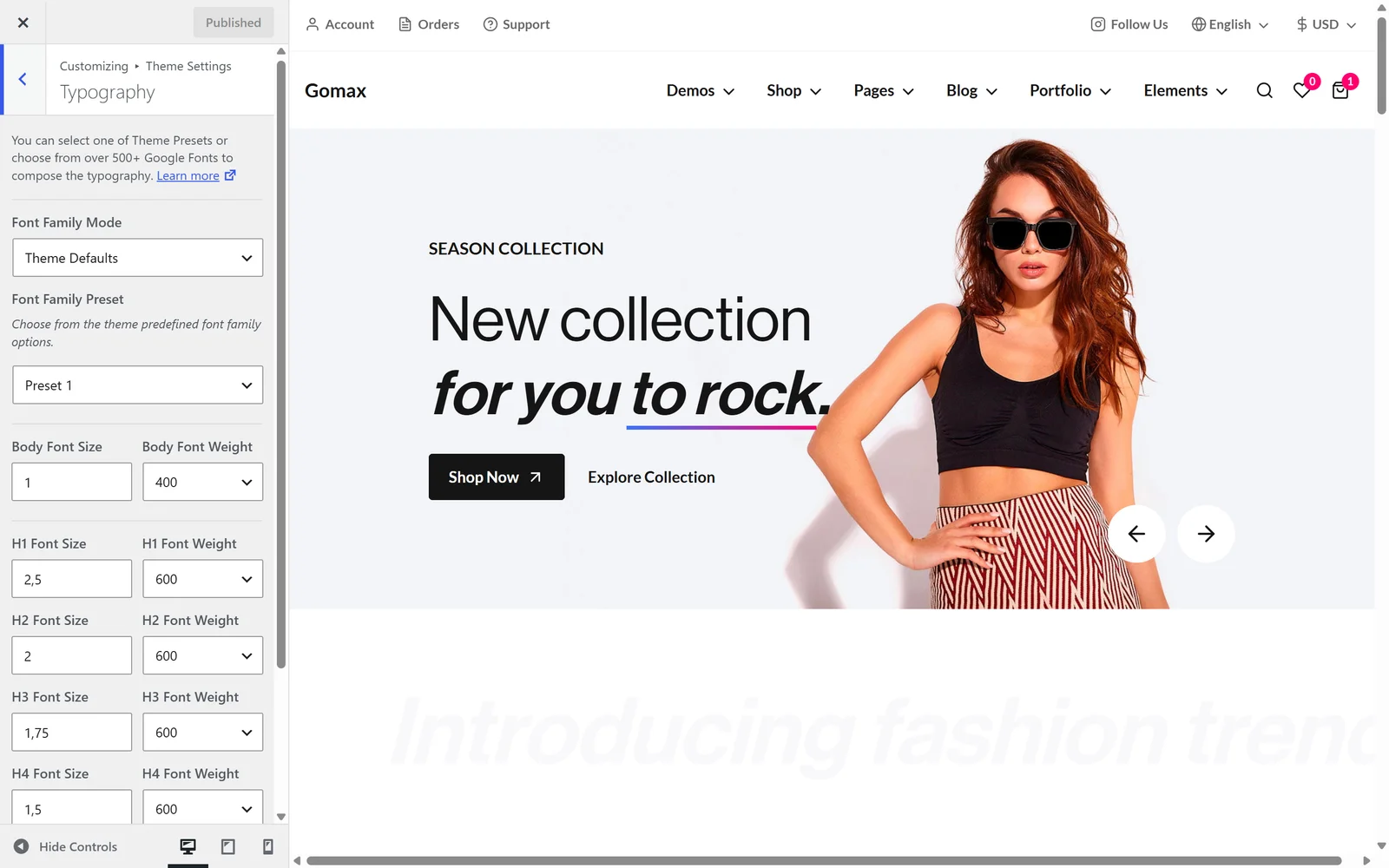
From the WordPress admin, go to Gomax » Typography.
-
Choose your font preferences:
- Theme Defaults — pick from the theme’s predefined font combinations.
- Google Fonts — choose from the full Google Fonts library.
-
Click Publish to save your changes.
The typography you set here applies to the entire site. When editing a page in Elementor, you can set different fonts for an individual widget — this only overrides that specific widget and doesn’t affect the global setting.