How to Change WordPress Site Container
The container controls how wide your page content appears on screen. Set it once for the whole site, then override it on individual Elementor widgets where needed.
What the Container Controls
Section titled “What the Container Controls”A container is the maximum width of your page content, keeping text and elements from stretching too wide on large screens or feeling cramped on small ones. Setting it correctly keeps your layout readable and consistent across devices.
Changing the Container Layout
Section titled “Changing the Container Layout”-
From the WordPress admin, go to Gomax » Layout Container.
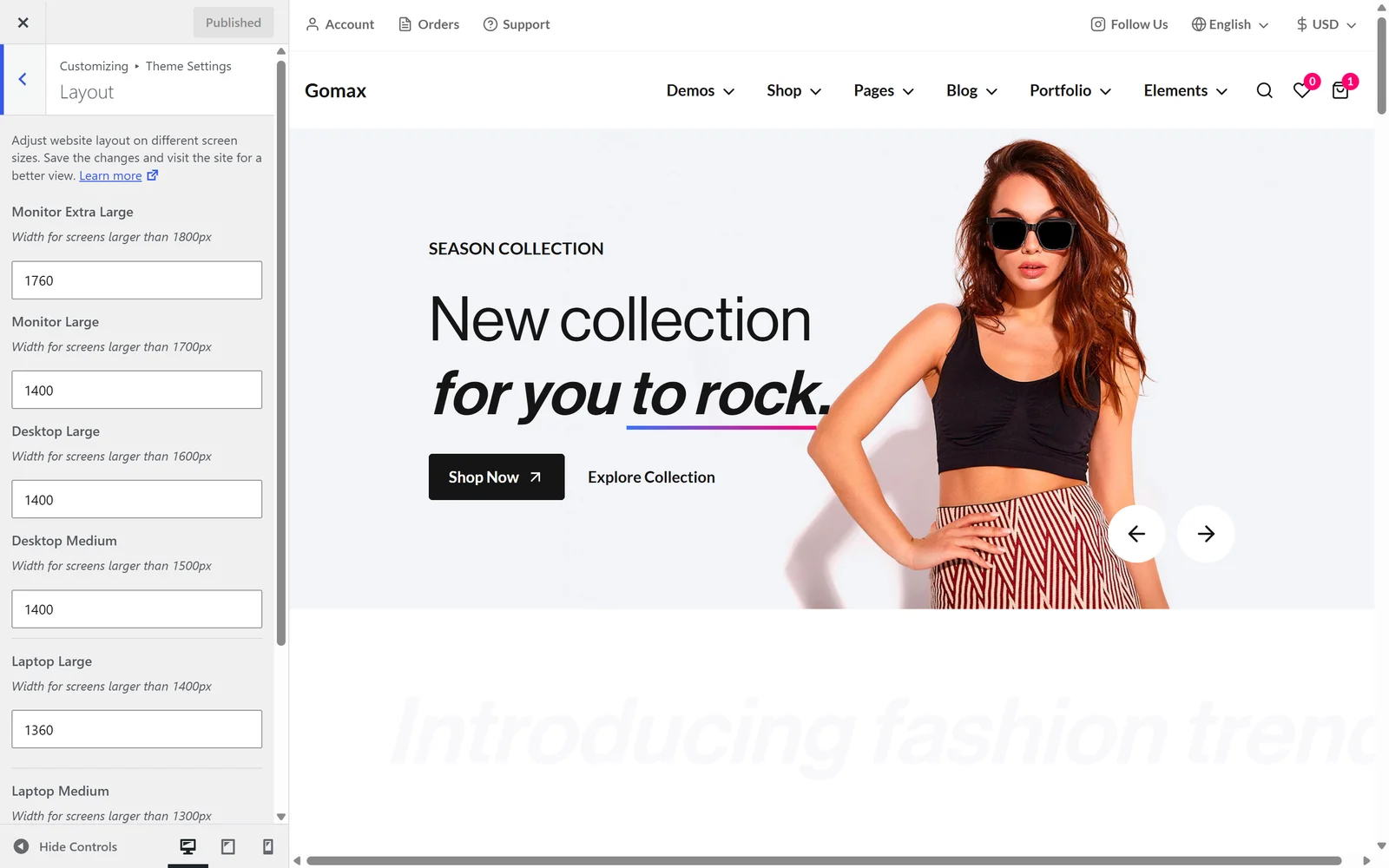
WordPress admin Gomax theme settings panel showing the Layout Container tab/section. -
Choose your preferred container width for each screen size.
-
Click Publish to save your changes.
The container set here applies site-wide. When editing a page with Elementor, you can set a different width for an individual widget, which overrides the global setting for that widget only.